
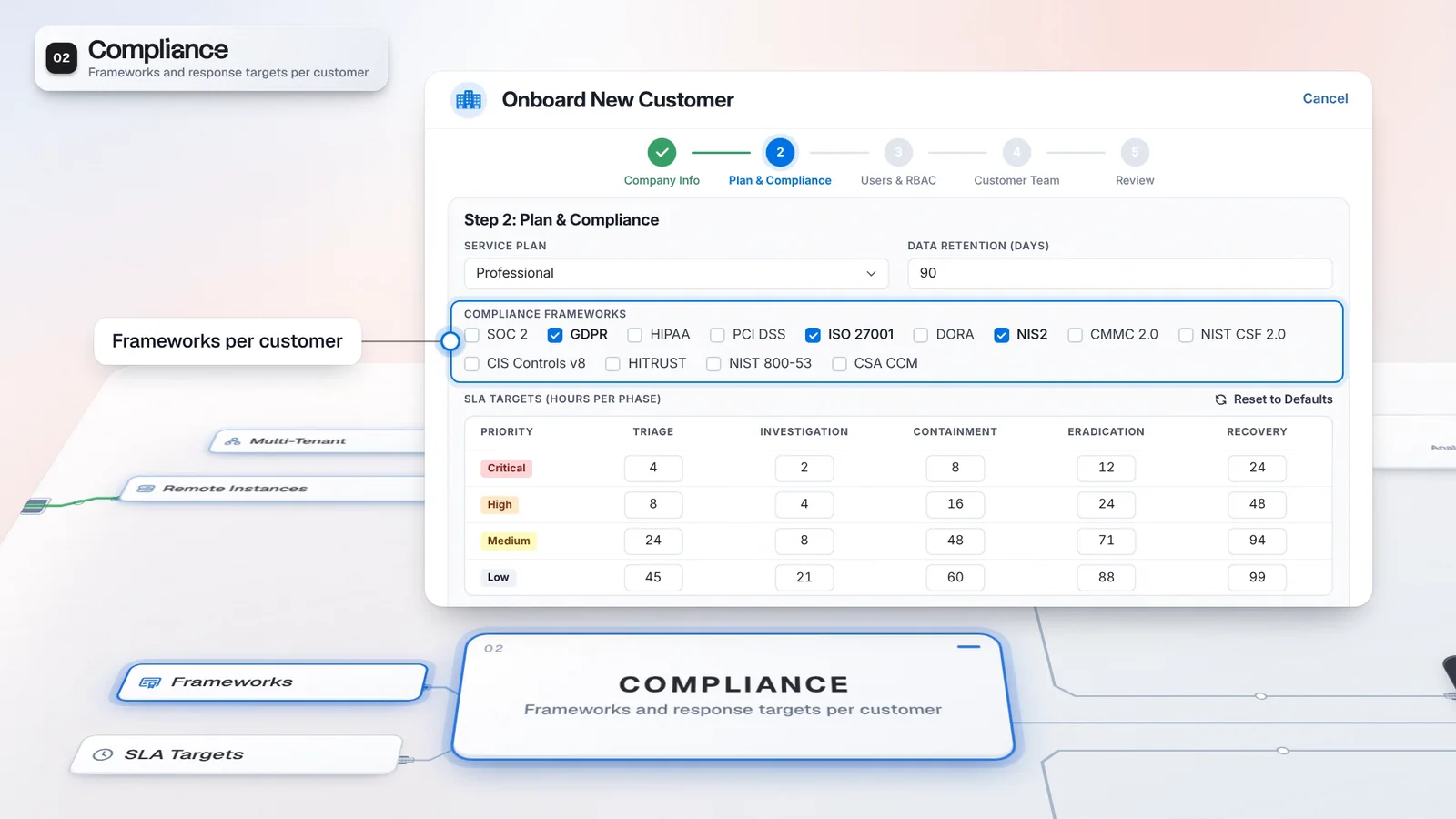
 Start with onboarding
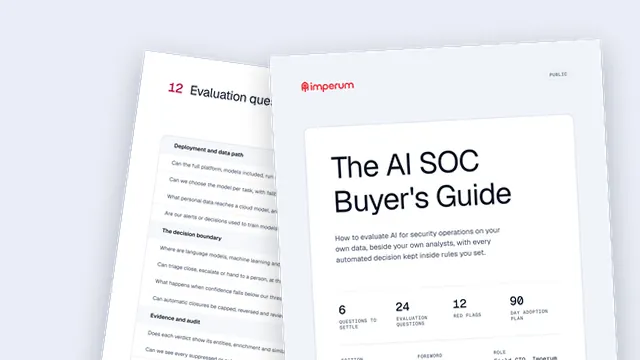


A defined edition
Start from the product whose defaults fit your operating model.
Know what you are licensed to deliver before you sell it. Choose the edition for the service you run; the license records its enabled modules and capacity limits, and your proposal confirms the commercial package.
Additional module access can vary by agreement. Confirm the commercial package in your proposal.
Choose the edition for the service your team will operate.
Additional module access can vary by agreement.
No limits are illustrated. Capacity belongs in the proposal review beside the workflows you plan to run.
Confirm the commercial package in your proposal, including enabled modules and capacity.
The Portal, Autonomous SOC and SecOps Platform are named product editions.
The license records the enabled modules. The Portal defaults shown here cover provider coordination.
Capacity limits are recorded in the license. This illustration shows labels without figures.
Confirm the edition, modules and capacity against your commercial proposal.
A named edition gives the service a starting point. The issued license records enabled modules and capacity, so the proposal can be reviewed against what you intend to run.
Choose the edition around the work your team operates: Autonomous SOC for the AI investigation layer, SecOps Platform for the wider operational estate or The Portal for coordination on an existing stack. Compare those defaults with a customer workflow before agreeing the package.
The license records the modules and capacity your service can run.
Illustrative package, without capacity figures or pricing. Confirm the commercial proposal.
Start from the product whose defaults fit your operating model.
Review the issued grants against the capabilities your service needs.
Begin with what you will deliver for a customer. Agree the edition and the required module access, then check the issued license before configuring the service.
List the customer workflows and the tools your team will retain.
Choose the named edition whose defaults fit those workflows.
Confirm enabled modules, capacity and any additional access by agreement.
Review the issued license before configuring customer operations.
Additional module access can vary by agreement. Confirm the commercial package in your proposal.
Compare the editions against your operating model. Bring the required capabilities and capacity to the commercial discussion so the proposal reflects the service you plan to deliver.
Named edition for providers keeping their own stack.
Named edition for the AI investigation layer.
Named edition extending Autonomous SOC with operational modules.
Edition defaults and issued module grants give your team a concrete package to review. Capacity belongs in that review alongside the workflows you intend to configure.
Bring the edition and required capabilities into the proposal.
Check enabled modules against the planned customer workflow.
Confirm the limits recorded in the issued license before rollout.
Use one customer workflow to identify required capabilities.
Compare The Portal with the AI and full platform tiers.
Review the modules and capacity with the Imperum team.
Imperum uses a product-and-module license model. Named product editions include Autonomous SOC, SecOps Platform and The Portal; enabled modules and capacity limits are recorded in the license. Additional module access can vary by agreement. Discuss your workflows, deployment and provider requirements to confirm the right scope, capacity and pricing.
The product-and-module license records enabled modules and capacity limits. Confirm the commercial package for your service in a proposal with the Imperum team; this page does not publish pricing.
Have any other questions? Talk to our team
Bring your operating model and required capabilities to a licensing discussion with Imperum.