
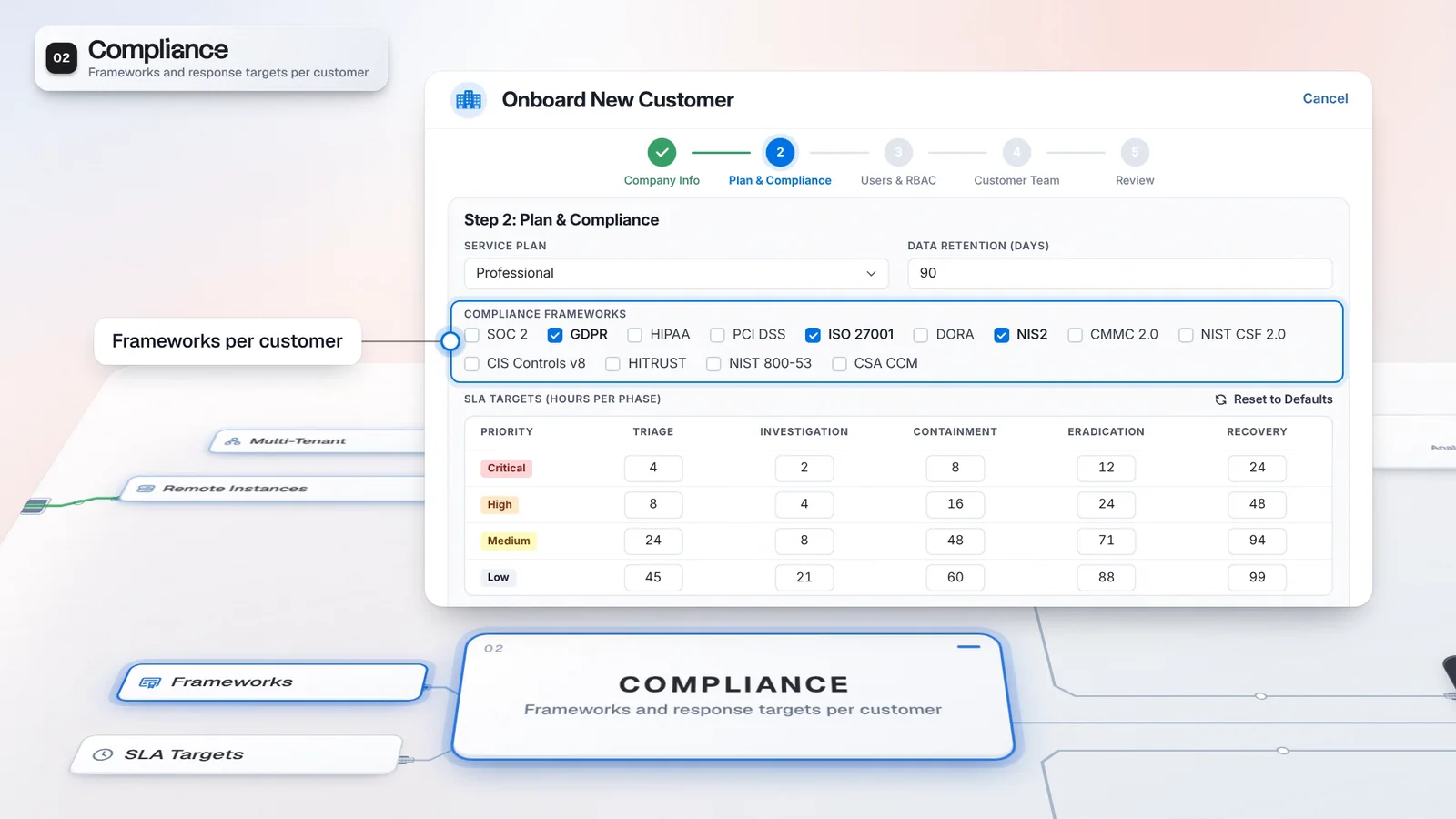
 Start with onboarding


Structured intake
A catalog request gives the customer a form instead of an open-ended email.
Enable the Self-Service Portal for customer request intake and tracking, with a catalog configured for the service you deliver. Customers browse available requests and follow permitted cases in their own context, while the catalog determines which submissions need approval from your team.
This catalog item needs approval. Track it in My Requests.
Follow your requests here. Approval requirements follow the configured catalog.
Security cases related to your organization
Requests and permitted cases in your customer context.
Northstar opens the Service Catalog in the Security Operations Portal. These catalog items are illustrative.
The customer chooses Log extraction, fills in the request form and sets a priority.
My Requests gives the customer a place to follow submitted work. Approval requirements come from the configured catalog.
Cases shows security cases related to the customer's organization, within its permitted scope.
Replace the unstructured opening email with a request from the service catalog. A customer chooses the request type, fills in its form and can return to follow the work.
Requesters can browse log extraction, access review, incident report, threat intel or a custom request. The form gathers the request and its priority. Your configured catalog determines which submissions need approval, so the customer has a defined starting point and your team can review the request against the service it provides.
Requests arrive with the fields your team needs, not as an open-ended email.
Illustrative setup. Catalog and approval rules are configured for the customer.
A catalog request gives the customer a form instead of an open-ended email.
Customers return to their requests and permitted cases for context.
Enable the customer request portal and configure intake before inviting customers into the workflow. Check the catalog and approval requirements so a request follows the service you intend to deliver.
Enable and configure the customer request portal for the tenant.
Choose the request types and forms your service offers, with their approval rules.
Customers submit requests and return here to follow their work.
Customers follow permitted security cases related to their organization.
The customer request portal is a separate feature from The Portal edition. Request intake does not establish an entitlement to automated fulfillment.
The customer view sits beside the operational service: the edition you license and the access you configure are two different things. Casebook keeps investigation evidence and decisions together for your team.
Separate customer-facing feature. Confirm the enabled configuration and any fulfillment modules.
Customers ask through the catalog and come back to follow their requests and permitted cases, instead of emailing your team for an update. The catalog you configure decides which requests need approval.
Use a request type and its form to establish what the customer needs.
The configured catalog determines which submissions need approval.
Customers follow their own requests and permitted case work.
Configure a catalog item around a service you already deliver.
Review what the customer submits and which requests need approval.
Confirm the customer can follow its requests and permitted cases.
The Portal is a product edition whose default modules include multi-tenant operations, Case Router and Case Prioritizer. The self-service customer portal is a separate feature for submitting requests and following permitted cases. Distinguish the edition you license from the customer-facing access and workflows you configure.
Customers browse the Service Catalog, fill in a request form and set a priority. They can follow their requests and permitted security cases related to their organization. The request catalog and approval rules are configured for the service.
The configured request catalog determines which submissions need approval. Enabling the customer request portal does not mean that every request is approved or fulfilled automatically.
Have any other questions? Talk to our team
Review your request catalog and customer workflow with the Imperum team.