
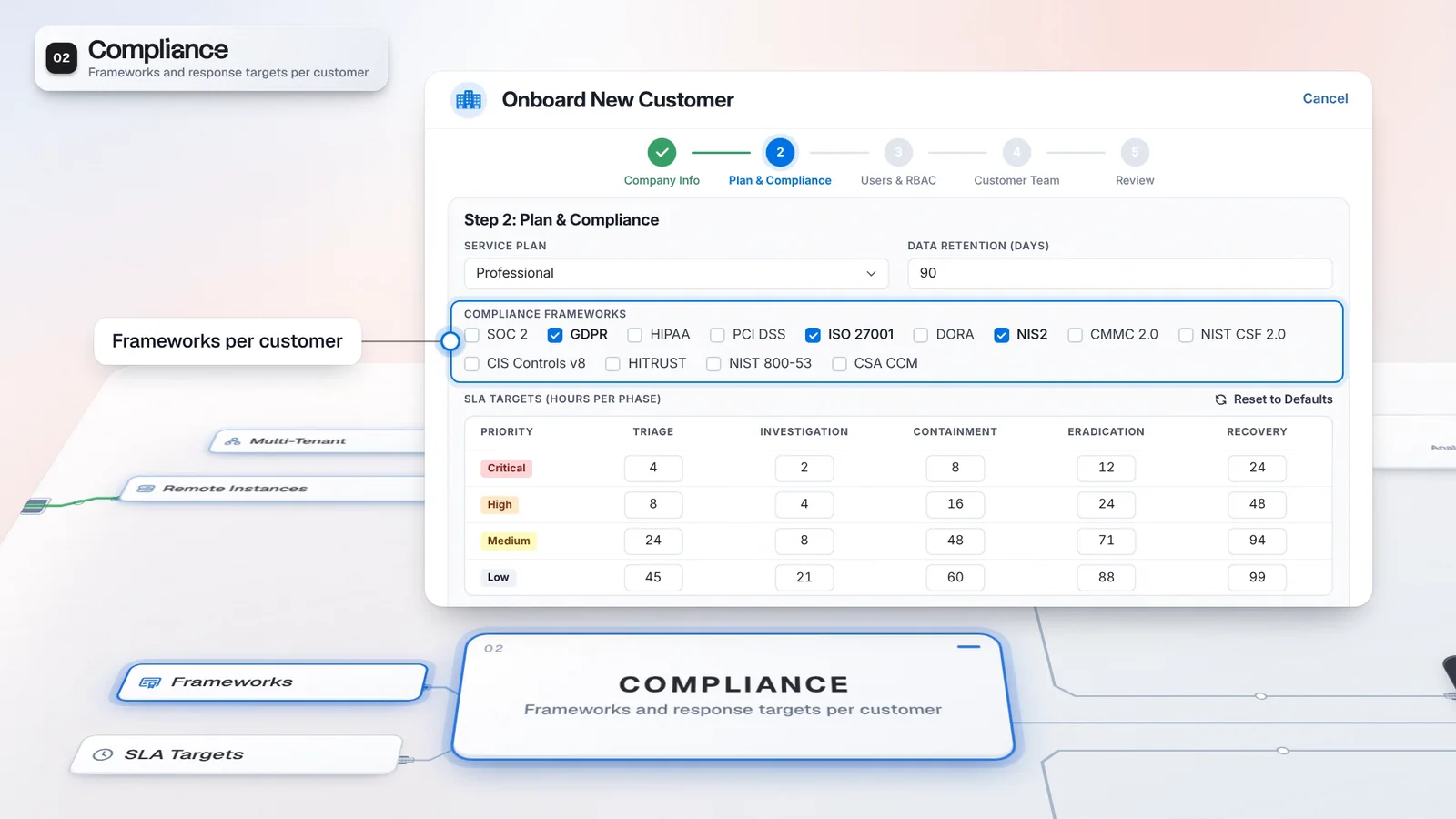
 Start with onboarding
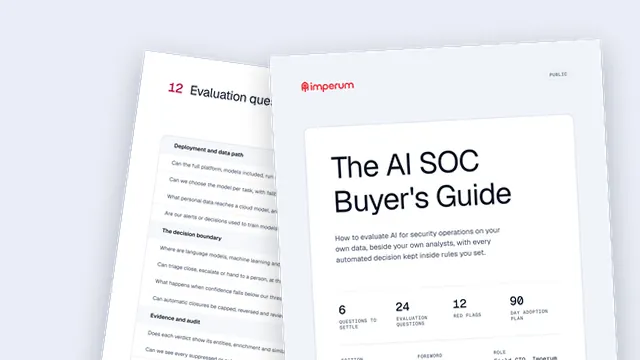

A shared shift starting point
Review customer health and open work together before the team chooses what to work on.
The MSSP Unified Dashboard brings tenant health, alerts and open case work into a provider view. Start the shift with the portfolio in sight, find the customer that needs attention, then switch into that tenant's alerts with the customer context already selected.
Working context: Harbor Retail
 A. RiveraA. Rivera,
 M. Kaya
 T. Bakker, IT manager
 Microsoft Sentinel, Okta
Tenant Architecture holds the team, connectors and targets.
Routing defaults to Off. In Recommend mode a person applies an assignment.
Read tenant health alongside the cross-tenant alert queue. The figures shown are illustrative.
Harbor Retail needs attention. Its critical alert stays identifiable in the cross-tenant queue.
Selecting Harbor Retail switches the tenant context and opens its Alerts view.
Review analyst allocation, then use Case Router where licensed. Recommend mode leaves assignment to a person; routing defaults to Off.
Give the operations lead a shared starting point for customer work. Tenant health and the alert queue bring the customer that needs attention into view before the team opens its alerts.
The provider view brings cross-tenant KPI cards together with Tenant Health, the Cross-Tenant Alert Queue and Analyst Allocation. Select a tenant card to switch the working context and open that customer's Alerts. The portfolio view remains a starting point for authorized operators, with the investigation carried out in the customer's context.
One click takes the shift lead from the portfolio into the customer's alerts, with no console hopping.
A. RiveraIllustrative tenant and values. Not customer performance data.
Review customer health and open work together before the team chooses what to work on.
Tenant-card drilldown sets the context for the Alerts view you open.
Use the provider overview to decide where to look, then the tenant view to examine the work. Opening a customer changes what you see; permissions and routing modes decide what you can do there.
Open the provider dashboard from the header in multi-tenant mode.
Review each tenant card alongside the Cross-Tenant Alert Queue.
Select a tenant card to switch context and open that customer's alerts.
Review the distribution of case work before choosing the next owner.
Provider visibility follows authorized scope. Case Router requires its module entitlement and defaults to Off.
The dashboard gives the lead a provider view; Casebook keeps the investigation record. Tenant Architecture supplies customer teams and service settings, while routing helps a permitted operator choose an owner.
Multi-Tenant is a default module of this edition.
Discuss licensing for provider operations.
Multi-tenant operations are part of this tier.
A shared view helps the shift lead find work without losing the customer behind it. The drilldown then takes analysts into the right context, with assignment still governed by its own controls.
Start with tenant health and cross-tenant work in one provider view.
Selecting a customer opens its Alerts view within authorized scope.
Keep the tenant attached as the team reviews alerts and case ownership.
Review its health card and confirm the alert drilldown.
Inspect its team and service settings in Tenant Architecture.
Check the routing mode before applying a recommendation.
Multi-tenant operations give providers customer-scoped views, connector profiles and onboarding workflows. Authorized operators can work across their permitted customer scope, while the self-service portal offers customer access to requests and cases. Configure tenant permissions and customer workflows to match the service you deliver, and confirm the required modules in your license.
It brings cross-tenant KPI cards, Tenant Health, the Cross-Tenant Alert Queue, Quick Actions and Analyst Allocation into a provider view. Selecting a tenant card switches the tenant context and opens its Alerts view. Figures depend on the deployment and are not product performance claims.
No. Tenant-card drilldown changes the working context. Case Router is a separate capability that requires its module entitlement. Routing defaults to Off; in Recommend mode a person decides whether to apply an assignment.
Have any other questions? Talk to our team
Walk through your provider view and customer workflow with the Imperum team.